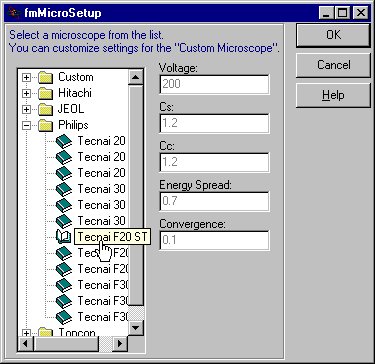
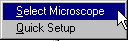
 You
can access this dialog either through Setup
menu item or by left-clicking on the info
panel.
You
can access this dialog either through Setup
menu item or by left-clicking on the info
panel.
Currently, you can only edit AND save the Custom microscope parameters. All other microscopes can be edited by using the Quick Setup dialog. However, these edits will not be saved.
Tip: if you are familiar with the Windows Registry you can edit the provided sc.reg file (make a backup first!) and then update the registry by double-clicking on the edited sc.reg. In this way you can edit any parameter for a certain microscope or add a microscope.